Security Camera Installation
New IP camera systems for buildings, storefronts, offices and homes, designed to a distance, not to a quantity.
Most systems fail at the only moment they matter. The footage exists, everyone crowds around the monitor, and nobody can tell who it is. That is a design failure, and it is measurable before a single camera is mounted.
This is the single largest gap between how camera systems are sold and how they are evaluated by anyone who has to use the footage.
The international standard for surveillance system performance grades a camera by how many pixels land across the target at the distance the target will actually be, not by the sensor’s total resolution. The 2015 edition of that standard set the familiar thresholds: 25 pixels per meter to detect that something is there, 62.5 to observe, 125 to recognize a person you already know, and 250 to identify a stranger.
The 2025 revision replaced that scheme, and the headline change should be in every camera quote in this city: reliable identification of a person moved from 250 pixels per meter to 500. The reason is exactly what installers see in the field: 250 px/m survives a laboratory but not low light, motion blur and compression at the same time.
Turn that into geometry and the design does itself. Pixel density is simply horizontal resolution divided by the scene width the camera covers, and the scene width is distance multiplied by sensor width divided by focal length. A 4 MP camera with 2560 pixels across can cover about 5 m of scene width and still hit 500 px/m. Push the same camera out to cover a 20 m storefront and it delivers 128 px/m. That is enough to tell you a person walked past, not enough to say who.
Two consequences follow, and both save money. Doubling focal length halves the scene width and doubles pixel density, which is nearly always cheaper than doubling the number of cameras. And doubling resolution on the same lens doubles pixel density but makes low-light performance worse, because you have made the pixels smaller. That is why a 4 MP camera on a larger sensor routinely beats an 8 MP camera on a small one after dark, and why the megapixel figure on a quote tells you very little on its own.
So the design conversation we want to have with you is not how many cameras. It is: at which specific points do you need to identify a stranger, at which points is knowing that something happened enough, and how far away is each of those points.
Scene widths below are for a 4 MP camera with 2560 pixels of horizontal resolution. Halve them for a 2 MP camera.
| Task | Pixels per meter | Scene width a 4 MP camera covers | What you can do with it |
|---|---|---|---|
| Overview | 20 px/m | 128 m (about 420 ft) | Situational awareness. Something moved in the yard |
| Outline | 40 px/m | 64 m (about 210 ft) | A person versus a vehicle. Direction of travel |
| Discern | 80 px/m | 32 m (about 105 ft) | Clothing color, rough build, what someone was carrying |
| Perceive | 125 px/m | 20.5 m (about 67 ft) | Recognize a person you already know. Not evidentiary for a stranger |
| Characterize | 250 px/m | 10.2 m (about 34 ft) | The old identification threshold. Works in good light and fails in bad |
| Validate | 500 px/m | 5.1 m (about 17 ft) | Identify a stranger reliably, including at night with movement |
The standard is a model, not a guarantee: light direction, glass quality, compression settings and the resolution of the screen somebody reviews the footage on all move the real result. It is still vastly better than specifying a camera count.
One number does most of the work: 1 Mbps of video is about 10.8 GB per day. From there, storage in terabytes equals bitrate in Mbps × 0.0108 × days × number of cameras.
A worked example we use constantly. Eight 4 MP cameras, H.265, 15 frames per second, recording continuously, 30 days of retention. At 3 Mbps each that is 3 × 0.0108 × 30 × 8 = 7.78 TB usable, which is roughly 10.4 TB raw once you allow for RAID 5 parity. Anyone quoting that job with a 4 TB recorder is quoting a system that will silently overwrite your footage at about day twelve, and you will find that out on the day you need day fourteen.
Frame rate is the lever people reach for first: 15 fps is the surveillance sweet spot, and moving to 30 fps costs somewhere between two-thirds and double the storage for very little evidentiary gain. Codec choice matters as much: H.265 delivers comparable quality at roughly 30 to 50 percent lower bitrate than H.264. Smart codecs save more again in low-motion scenes, with a caveat worth knowing: they stretch the interval between full frames, which can make frame-accurate export less precise and can upset a third-party video management system.
The design lever with the largest effect is tiered retention: 90 days on entrances and cash points, 30 days on general areas. That typically cuts system-wide storage by 30 to 40 percent, and unlike most savings it costs you nothing you would ever have used.
Two hardware points that are not negotiable. Use surveillance-grade drives. Desktop drives are specified for something like eight to ten hours a day and typically develop bad sectors within six to eighteen months of continuous recording. And on any system where retention actually matters, use dual-parity RAID, because with today’s large drives a single-parity rebuild can run for many hours or days at full write load with the array unprotected the entire time.
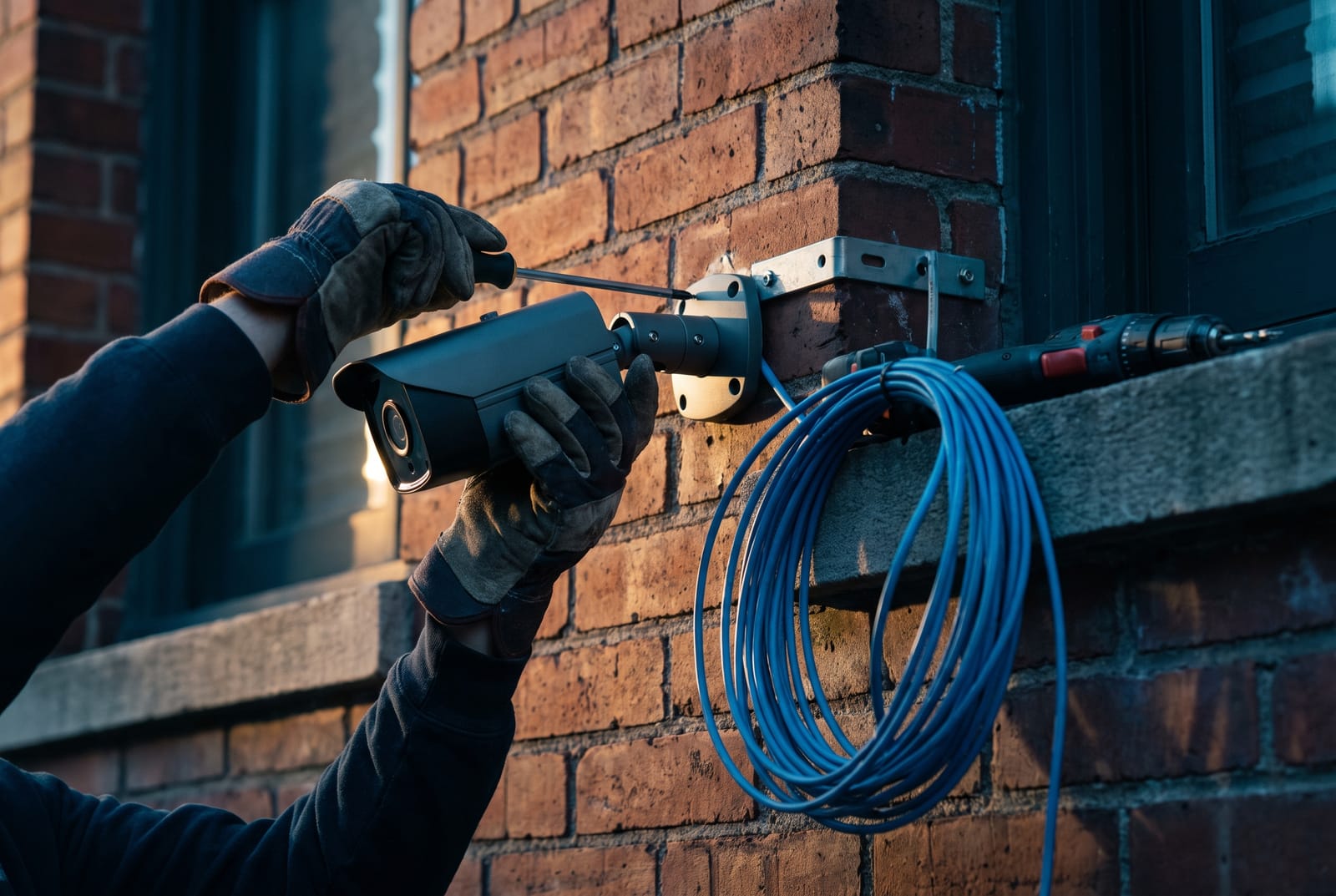
New IP camera systems for buildings, storefronts, offices and homes, designed to a distance, not to a quantity.
Retail, restaurant, warehouse and office systems, including hardware selection for buyers with federal exposure.
Systems that stopped recording, cameras that went dark, and coax-to-IP migration that keeps the cable you already have.
Almost every complaint about image quality traces to one of these, and none of them are fixed by buying more megapixels.
Audio. New York is a one-party consent state for recording conversation, which is frequently misread as permission to leave microphones running. It is not. An unattended microphone capturing a conversation between other people, where nobody involved has consented, is eavesdropping under NY Penal Law §250.05, a class E felony. Our default on multi-tenant and commercial systems is audio disabled unless there is a specific, documented reason and the client has taken their own advice.
Where cameras may not go. NY General Business Law §395-b prohibits cameras in fitting rooms, restrooms, showers and hotel rooms. NY Labor Law §203-c separately prohibits video recording of employees in restrooms, locker rooms and changing rooms. These are absolute and they come up on real jobs, typically as a request to cover a back hallway where the practical framing includes a doorway that should not be in shot. That is a camera placement decision, and it is ours to raise before installation rather than yours to discover after.
Biometrics. NYC Administrative Code §22-1201 requires clear signage where a business collects or retains biometric identifier information, and it applies to a defined set of establishments: retail, entertainment venues, and food and drink establishments. Note that plain video where no software analyzes it for identification is a different thing from face matching. If you are considering any recognition feature, get advice before enabling it, not after.
Federal exposure. Under Section 889 of the FY2019 NDAA and the FCC Covered List, equipment from certain named manufacturers, including relabeled versions sold under other brand names, is restricted on federally funded work, and the broader provision reaches contractors who merely use that equipment anywhere in their operations. If your organization holds federal contracts, takes federal grant funding, or houses a tenant who does, this belongs in the hardware decision from the start. It affects a large share of houses of worship and nonprofits in this region that fund security work through grant programs. Existing private installations are not being recalled, but new equipment, parts and firmware support through compliant channels have become difficult to obtain, which is a maintainability problem independent of the compliance one. We check manufacturer lineage rather than trusting a brand label, because the name on the box and the electronics inside it are frequently from different companies.
That is the wrong first question, and answering it first is how systems end up with twelve cameras and no usable footage. The right sequence is to list the specific things you need to see (the face of a stranger at the front door, a license plate at the garage ramp, whether the fire exit was propped, what happened at the register) and then work out what each of those needs in pixels per meter at its actual distance.
That process routinely reduces camera count in some areas and increases it at the two or three points that matter. A single camera positioned to give 500 px/m across a doorway is worth more than four cameras giving you a wide, dark, unusable view of a lobby.
Thirty days is the common commercial default and it is a reasonable starting point, because most incidents surface within a week or two and thirty days covers the ones that surface later. Insurers, franchise agreements, licensing conditions and specific industry rules sometimes require more, so check what you are already contractually committed to before choosing a number.
The design point is that retention does not have to be uniform. Ninety days on entrances, cash handling and loading areas with thirty days everywhere else usually costs 30 to 40 percent less than ninety days across the board, and it protects exactly the footage anyone ever actually asks for.
Often, and in a pre-war building it can be the difference between a viable project and an unaffordable one. HD-over-coax formats put genuine high definition (up to 4K on current equipment) down the same RG-59 that used to carry an old analog camera, and the distance capability is far beyond Ethernet’s 100 m limit. There are also converters that run Ethernet over existing coax where you want IP cameras on legacy cable.
The trade-offs are real and we will state them: limited on-camera analytics, no PoE switch infrastructure you can reuse later, and a ceiling on future expansion. In a building where fishing new Cat6 through plaster-on-lath and terra-cotta would cost more than the cameras, that trade is usually worth making. In a building with accessible pathways, it usually is not.
Check your upload bandwidth first, because that is what decides it. Continuous cloud recording needs roughly 1 to 2 Mbps of sustained upload per 1080p camera, and some platforms specify 4 Mbps guaranteed per camera. Twenty cameras therefore wants 20 to 40 Mbps of dedicated upload, around the clock, and a 40-camera site wants around 80 Mbps. Most commercial circuits in this region cannot deliver that without a fiber upgrade, and if it is not shaped it will flatten the tenant’s phones and internet.
Cost is the other half. Cloud video commonly runs $10 to $30 per camera per month for 30-day retention, with 4K and long retention plus analytics reaching considerably higher. Forty cameras at $20 a month is around $48,000 over five years before any circuit upgrade. There is a genuinely good middle path: record locally at full rate, and use cloud for remote access, event clips and off-site redundancy. That gets you the resilience without the bandwidth bill.
Yes, and they should be. Port forwarding puts a recorder’s web interface directly on the public internet, where automated scanners index it within hours. Combined with default credentials, that is the mechanism behind the large surveillance botnets, and it is not a defensible architecture for a business.
The right arrangement is no inbound ports at all: remote access over a VPN, or a vendor-managed outbound tunnel from a hardened bridge. Cameras themselves should be on their own network segment with no route to the internet and no path to the office network, management on HTTPS only, UPnP disabled on both the router and the recorder, and every default account changed. That is a one-time configuration, not an ongoing cost.
Common areas (lobbies, hallways, stairwells, laundry rooms, garages, exterior) are ordinarily fair territory for video, and in a multi-tenant building they are usually where the value is. What changes the analysis is audio, which we recommend leaving off by default, and any placement that lets a camera see into a private space.
The specific things to avoid are cameras in or covering restrooms, changing areas and similar spaces, which are prohibited outright, and camera positions where the field of view includes the inside of an apartment when a door opens. That last one is a mounting angle decision made on site, and it is the sort of thing we would rather adjust with a ladder on installation day than argue about later.
New IP camera systems for buildings, storefronts, offices and homes.
Retail, restaurant, warehouse and office systems, including NDAA-compliant hardware.
Systems that stopped recording, cameras that went dark, analogue-to-IP migration.
The Cat6, fibre, risers, racks and wireless that everything else depends on.
Storefronts, bodegas, salons and offices: cameras, buzz-in entry and back-of-house control.
Loading docks, yard cameras, gate control and high-bay coverage.
Not how many cameras. What you need to identify, and roughly how far away it is. That is the input a real camera design starts from.
Sun to Thu 9am to 5pm · Fri 9am to 12pm · Sat closed